

LinkedIn has no official API for DMs. Nous uses Unipile as a middleware — you connect your LinkedIn account to Unipile, and Unipile forwards events to Nous via webhook.
Server Setup
1
Create a Unipile account
Sign up at unipile.com. You need a paid plan to use the LinkedIn messaging API.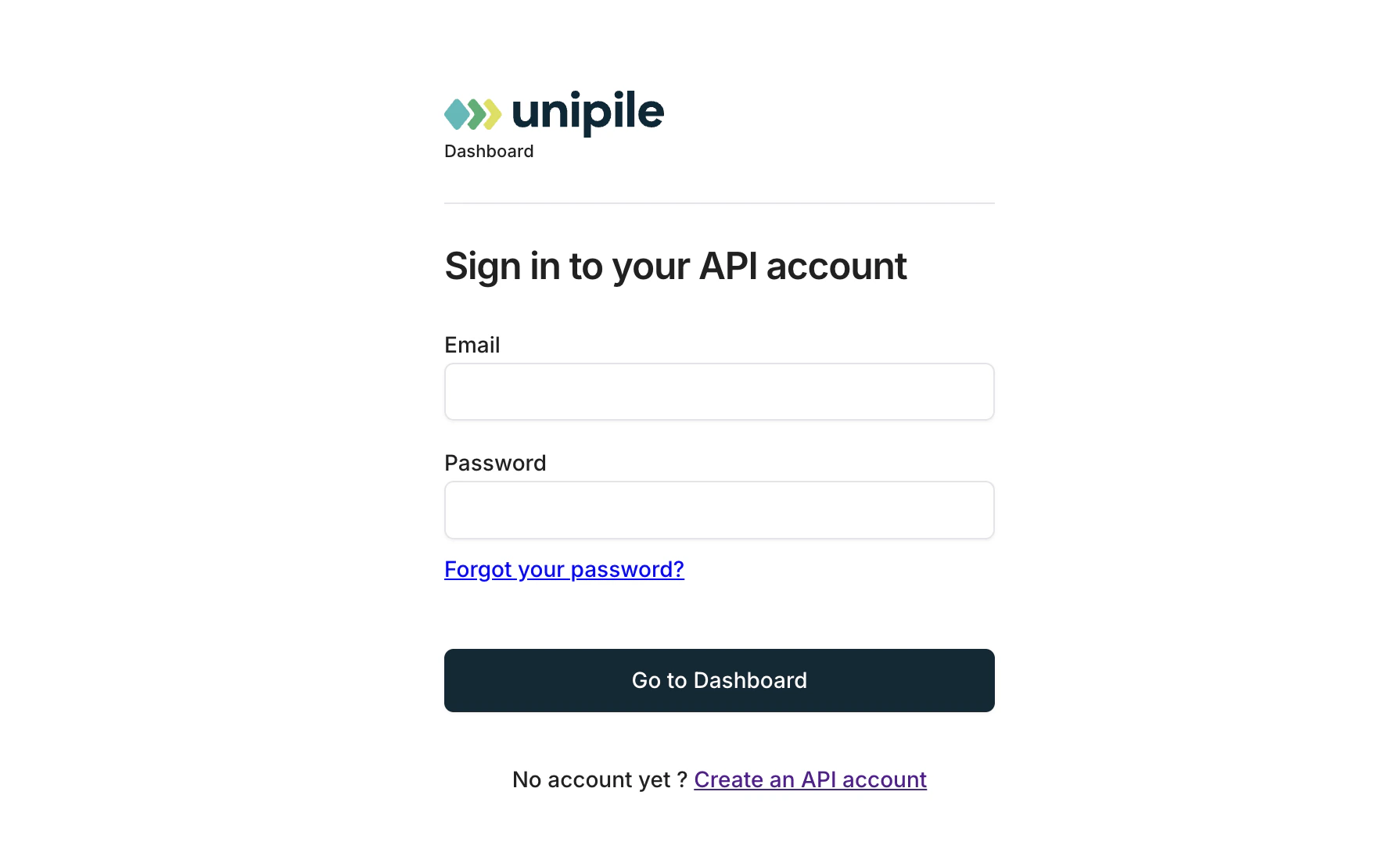
2
Get your API Key and DSN
In the Unipile dashboard go to Settings → API. Copy your API Key and DSN (the webhook base URL).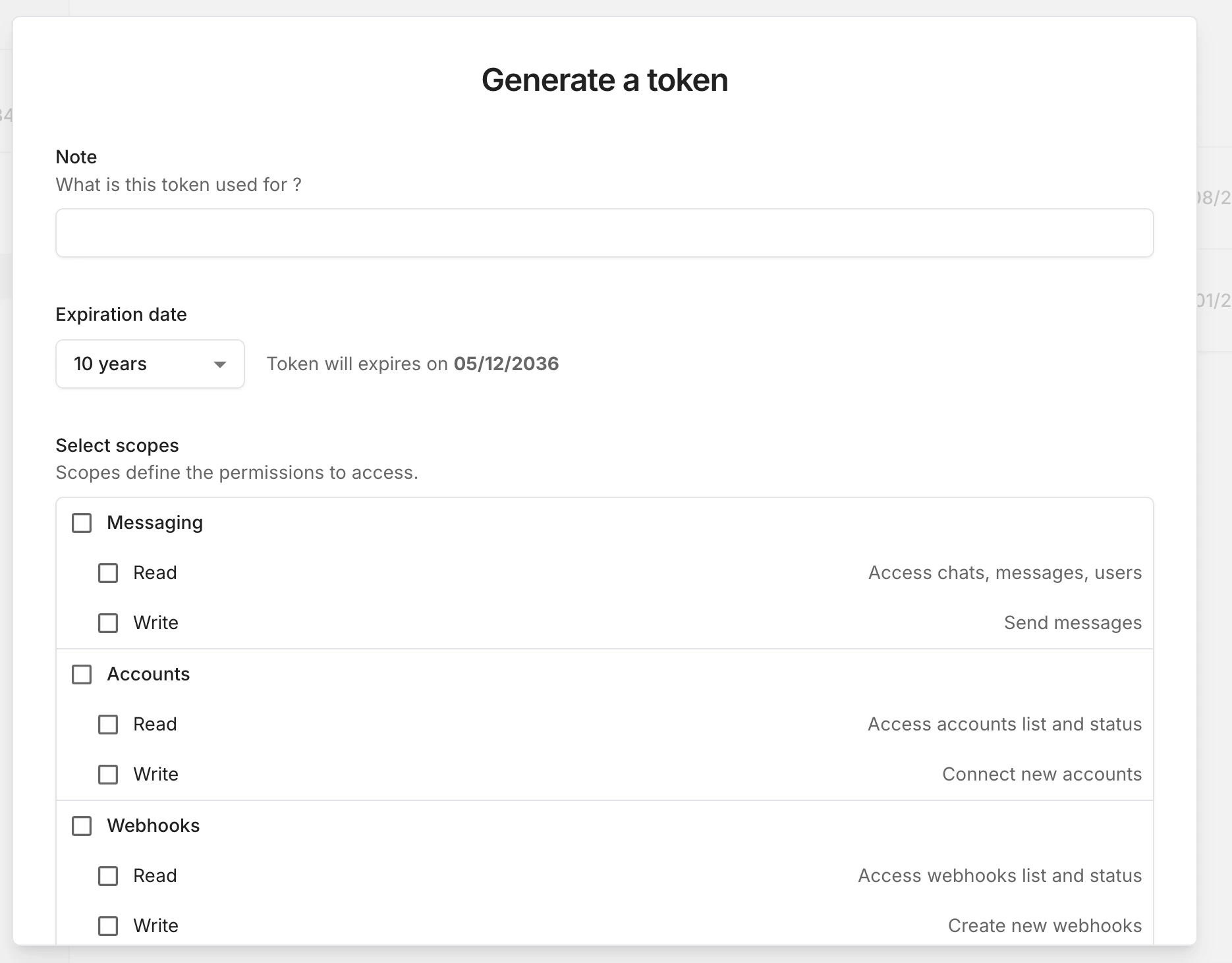
3
Add to nous.env
4
Connect your LinkedIn account in Unipile
In the Unipile dashboard go to Accounts → Add account → LinkedIn and follow the login flow.
5
Register the Connections webhook
In Unipile go to Webhooks → Add webhook. Set: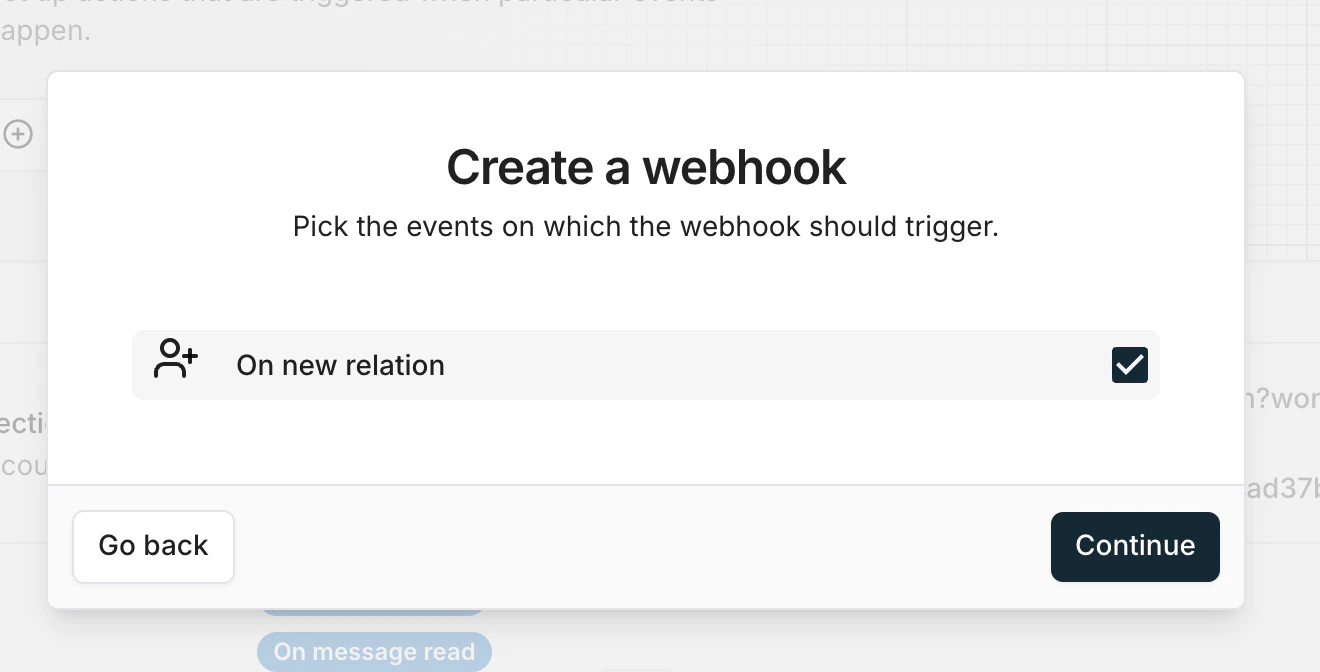
- Event: On new relation
- URL:
6
Register the Messages webhook
Add a second webhook: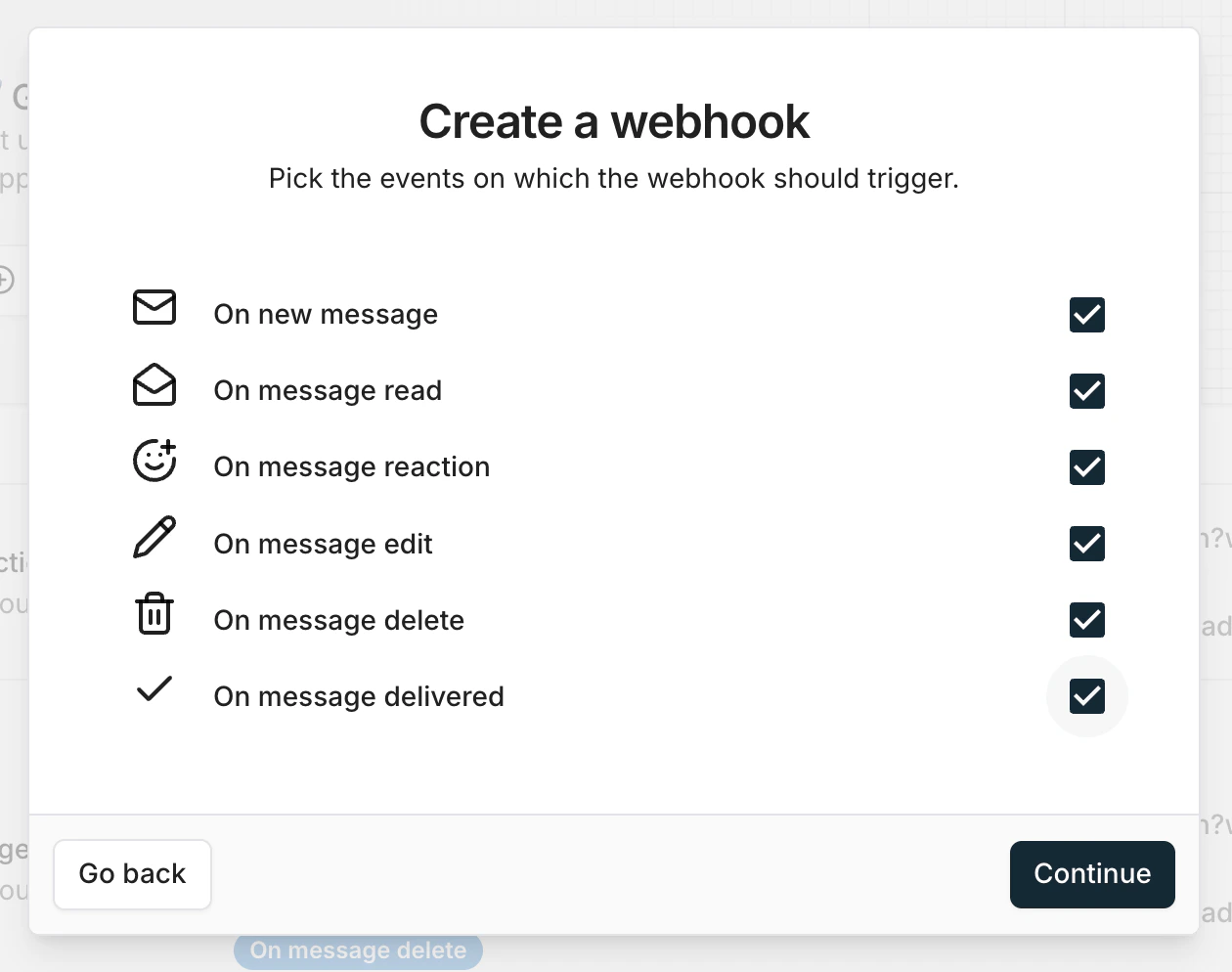
- Event: On new message
- URL: same URL as above
7
Connect to LinkedIn inside Integrations Page
After you set up everything in Uniple, now you can registrar with your Log-in data or cookies into your LinkedIn account.