

This requires registering a Google OAuth app. You do this once as the server admin — your users then connect their own Google accounts via the UI.
Server Setup
1
Create a Google Cloud project
Go to console.cloud.google.com and create a new project (or use an existing one).
2
Enable Gmail API and Google Calendar API
In the sidebar go to APIs & Services → Library. Search for and enable both: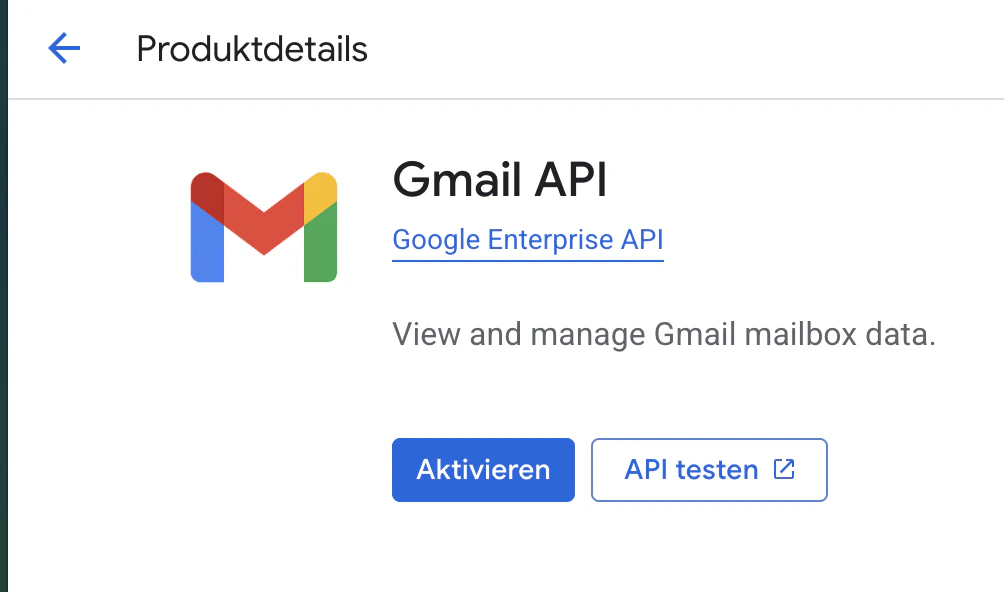
- Gmail API
- Google Calendar API
3
Configure the OAuth consent screen
Go to APIs & Services → OAuth consent screen. Choose External, fill in the app name and your email, then add these scopes:Add your own email as a test user while in development.
4
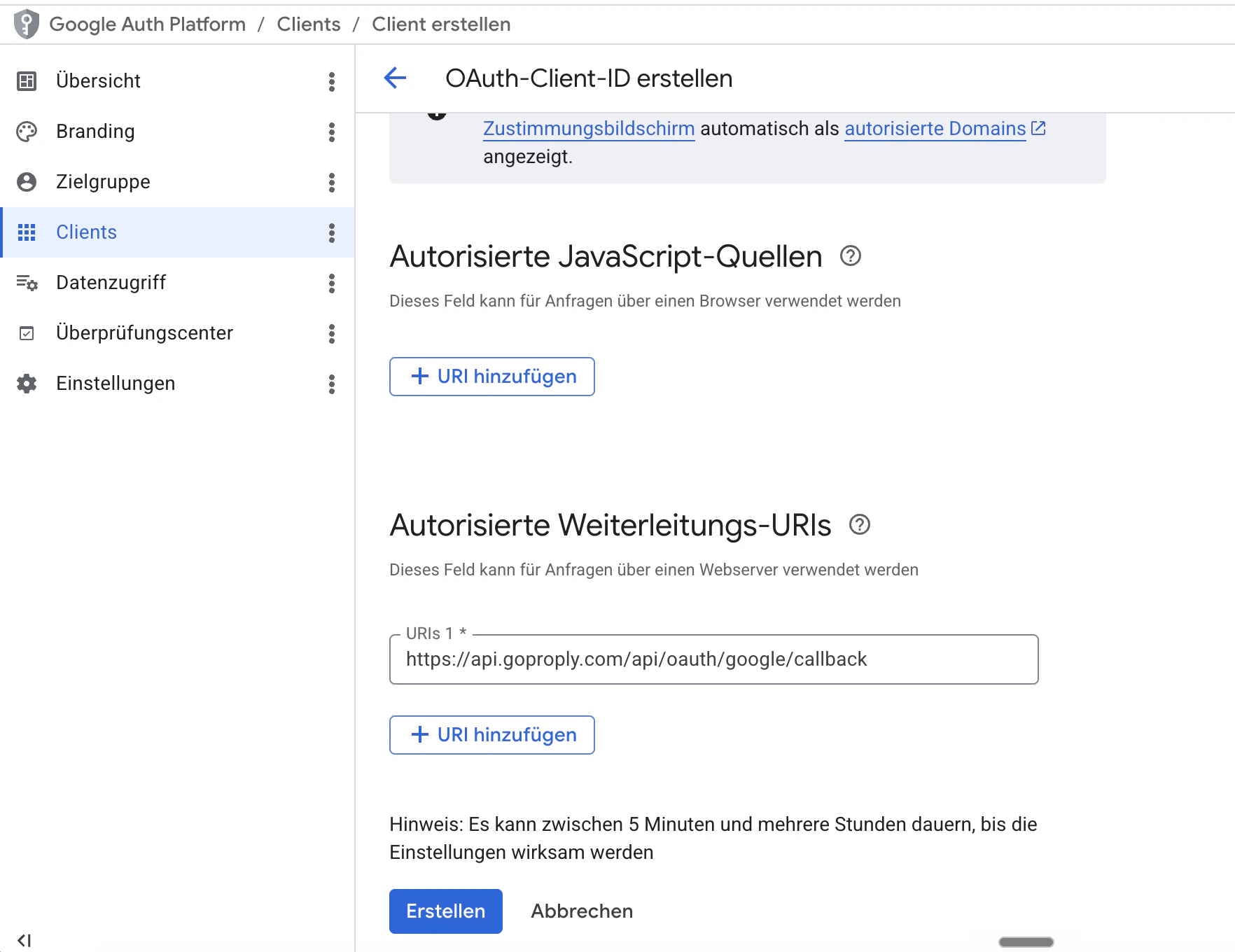
Create OAuth credentials
Go to APIs & Services → Credentials → Create Credentials → OAuth client ID. Choose Web application and add your redirect URI: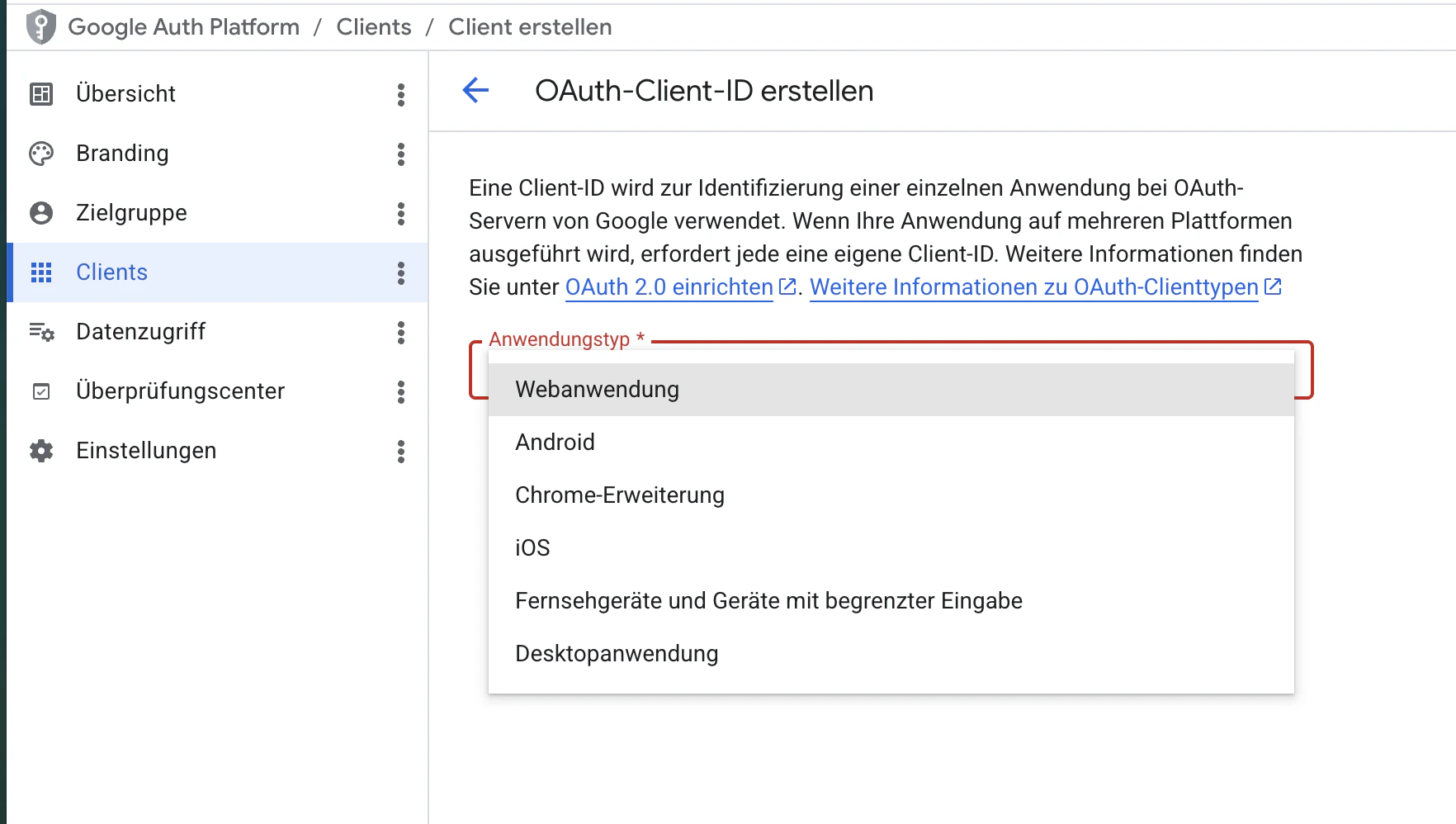
5
Copy your Client ID and Secret
After creating, copy the Client ID and Client Secret.
6
Add to nous.env
Connecting in Nous
Once the server is configured, each workspace connects their own Google account:- Go to Integrations
- Click + Add Integration → Google Calendar / Gmail
- Complete the OAuth flow in the popup