> ## Documentation Index
> Fetch the complete documentation index at: https://docs.opennous.cloud/llms.txt
> Use this file to discover all available pages before exploring further.
# LinkedIn
> Log connection requests, messages, and profile visits via Unipile.
LinkedIn has no official API for DMs. Nous uses [Unipile](https://unipile.com) as a middleware — you connect your LinkedIn account to Unipile, and Unipile forwards events to Nous via webhook.
## Server Setup
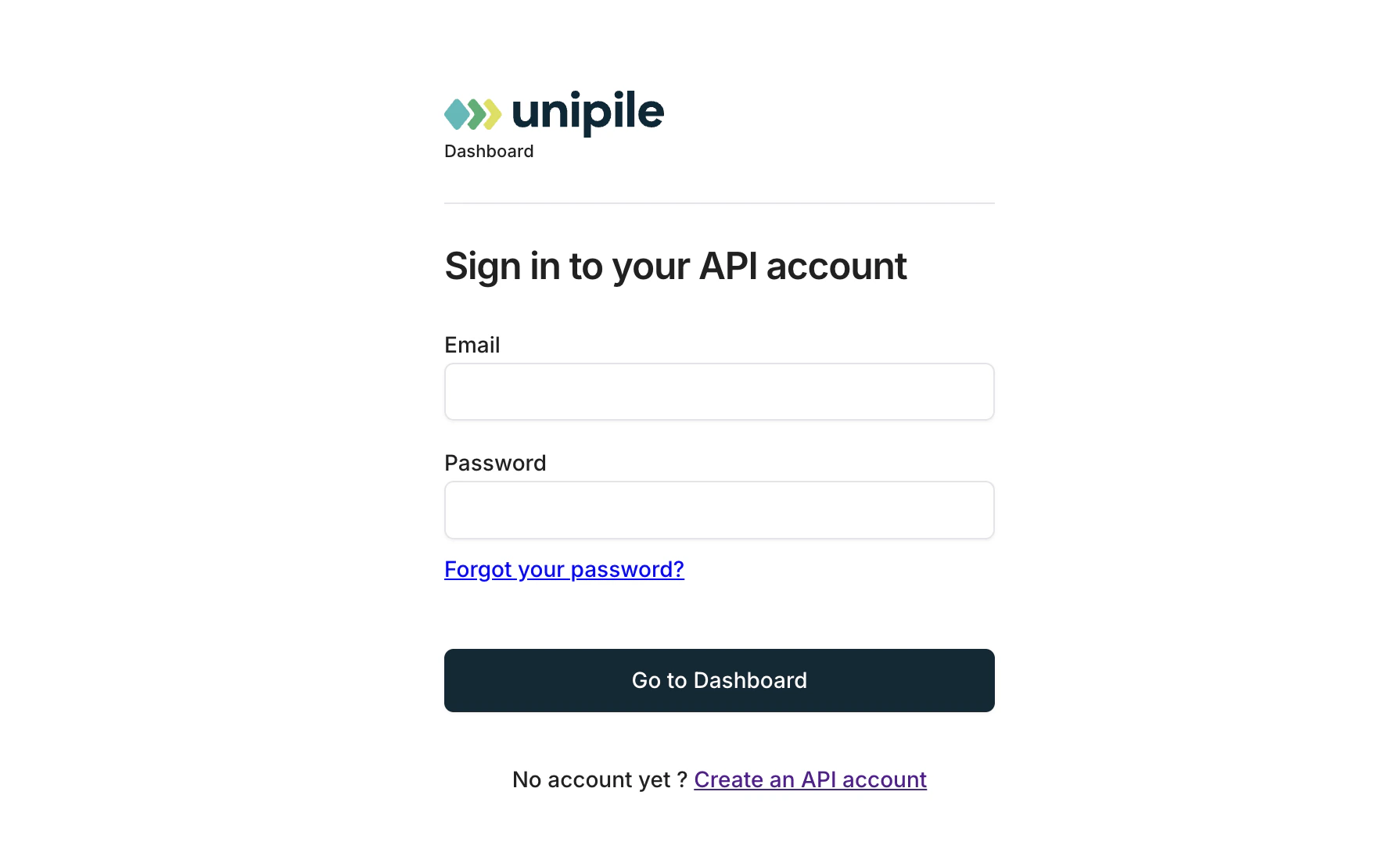
Sign up at [unipile.com](https://unipile.com). You need a paid plan to use the LinkedIn messaging API.
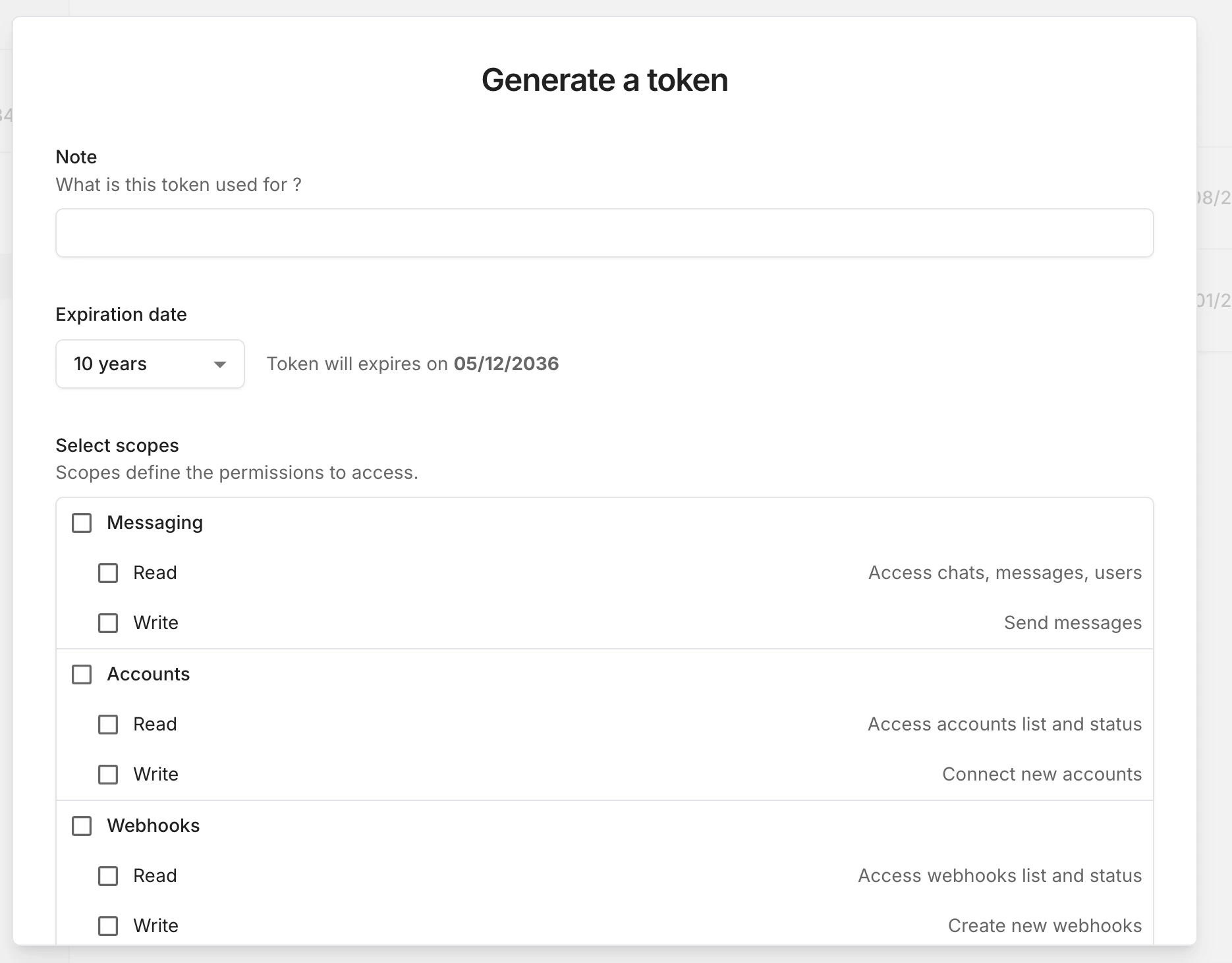
 In the Unipile dashboard go to **Settings → API**. Copy your **API Key** and **DSN** (the webhook base URL).
 ```bash theme={null}
UNIPILE_API_KEY=your-api-key
UNIPILE_DSN=your-dsn
LINKEDIN_WEBHOOK_SECRET=a-random-secret-string
```
Restart your containers after saving.
In the Unipile dashboard go to **Accounts → Add account → LinkedIn** and follow the login flow.
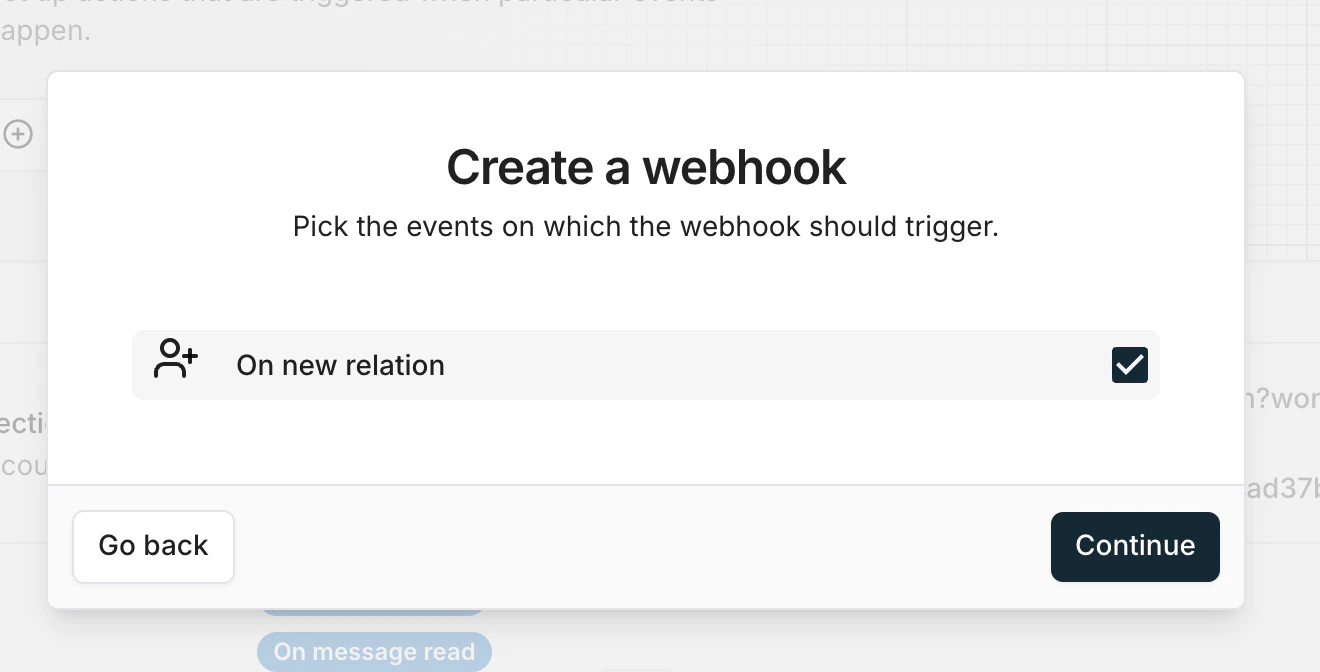
In Unipile go to **Webhooks → Add webhook**. Set:
* **Event:** On new relation
* **URL:**
```text theme={null}
https://api.yourdomain.com/inbound/linkedin?workspace_id=YOUR_WORKSPACE_ID&secret=YOUR_LINKEDIN_WEBHOOK_SECRET
```
```bash theme={null}
UNIPILE_API_KEY=your-api-key
UNIPILE_DSN=your-dsn
LINKEDIN_WEBHOOK_SECRET=a-random-secret-string
```
Restart your containers after saving.
In the Unipile dashboard go to **Accounts → Add account → LinkedIn** and follow the login flow.
In Unipile go to **Webhooks → Add webhook**. Set:
* **Event:** On new relation
* **URL:**
```text theme={null}
https://api.yourdomain.com/inbound/linkedin?workspace_id=YOUR_WORKSPACE_ID&secret=YOUR_LINKEDIN_WEBHOOK_SECRET
```
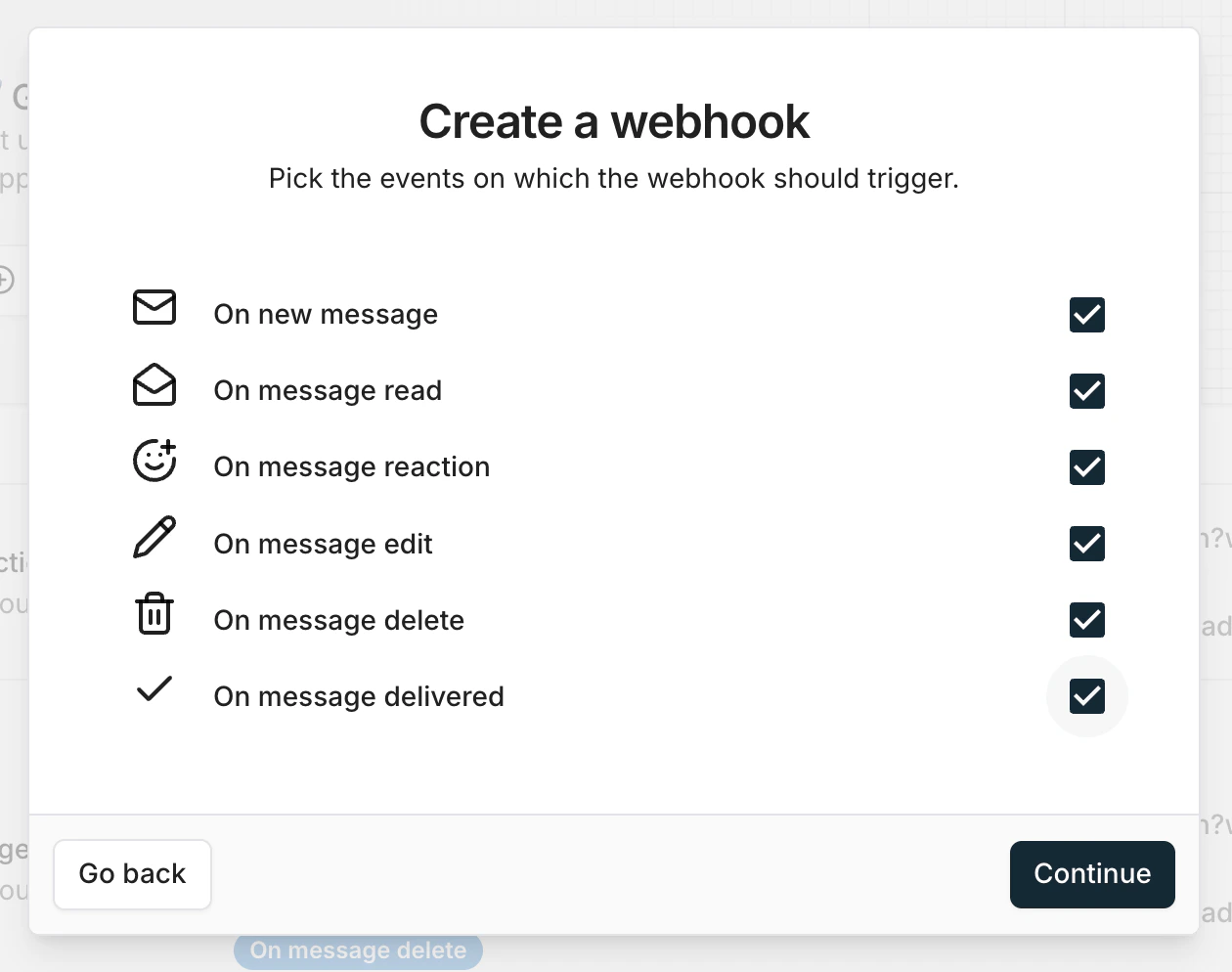
 Add a second webhook:
* **Event:** On new message
* **URL:** same URL as above
Add a second webhook:
* **Event:** On new message
* **URL:** same URL as above
 After you set up everything in Uniple, now you can registrar with your Log-in data or cookies into your LinkedIn account.
Find your Workspace ID in **Webhooks** — the URL shown there already has it embedded.
## What gets logged
| Event | Activity logged |
| ----------------------- | --------------------------- |
| New connection accepted | `linkedin_connection` |
| Inbound DM | `linkedin_message_received` |
| Outbound DM | `linkedin_message_sent` |
After you set up everything in Uniple, now you can registrar with your Log-in data or cookies into your LinkedIn account.
Find your Workspace ID in **Webhooks** — the URL shown there already has it embedded.
## What gets logged
| Event | Activity logged |
| ----------------------- | --------------------------- |
| New connection accepted | `linkedin_connection` |
| Inbound DM | `linkedin_message_received` |
| Outbound DM | `linkedin_message_sent` |